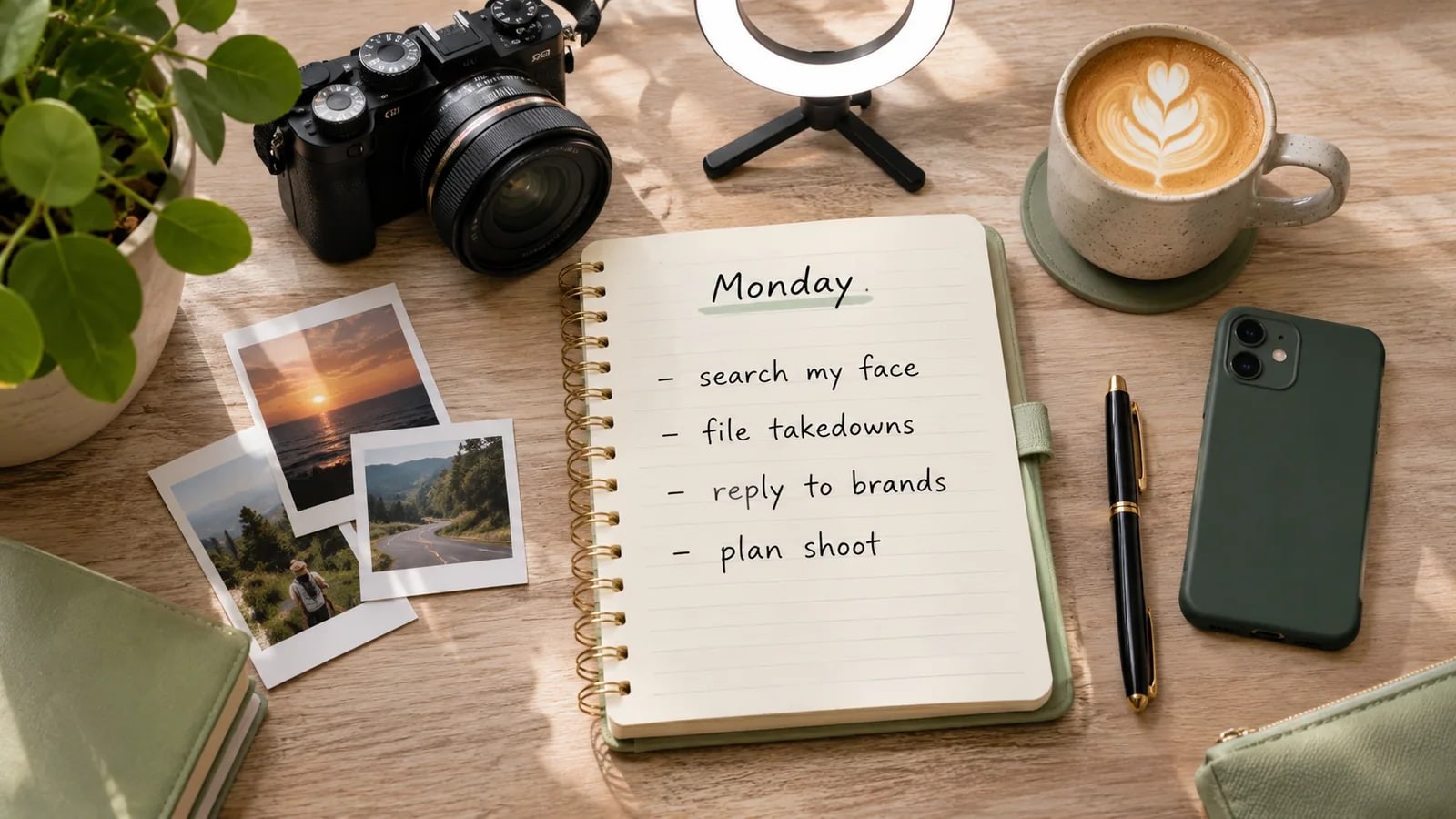
A weekly routine you can copy to find reposted content, fake accounts and edited copies of your face, sort what you find and send the right report for each.
- What is a good creator content protection workflow?
- Once a week, search three to five recent photos of your own face, sort every result into one of five buckets (fine, credit missing, impersonation, stolen for ads or adult sites, AI-altered), log each URL in a simple sheet, and send the matching request: a message, a platform impersonation report, a DMCA notice or a privacy form.
If your face is part of your work, copies of it travel without you. Reposts, fake accounts and edited versions rarely announce themselves, and most face search tools, FaceSearch included, have no alerts. So the practical creator content protection workflow is a manual one you run on a fixed day.
This is a sample routine to copy: Monday morning, about 20 minutes on a quiet week, with any face search tool. FaceSearch details come from our creators page, as of November 2026; other groups have pages in the Who FaceSearch is for hub.
What does a 20-minute creator content protection workflow look like?
Times are for a week with nothing new; a fake account takes longer.
| Step | What you do | Time |
|---|---|---|
| 1 | Open your reference photos and last week's log | 1 minute |
| 2 | Run one search per photo | 5 minutes |
| 3 | Open new results and sort them into buckets | 8 minutes |
| 4 | Log each new URL | 3 minutes |
| 5 | Send this week's requests and follow up on old ones | 3 minutes |
Keep the same photos each week, so a new result means a new page, not a different picture.
How do you pick reference photos and run the searches?
Choose three to five photos
Pick photos that look like you today: a front-facing headshot, a typical thumbnail or profile picture, and one in your usual lighting or makeup. Add a fourth or fifth for very different looks, such as glasses or a stage look.
Use one face per photo, in focus, a few hundred pixels across. When your look changes a lot, swap the set and note the date in your log.
Run one search per photo
- Open the search page of the tool you use and upload the first photo.
- Wait for the results, which on FaceSearch are ranked closest first, each with its source page.
- Repeat for each photo. Signed in, FaceSearch saves each scan to your history, so you can compare with last week.
Read from the top. The first matches are usually you; further down, look-alikes get more common, as reading your results explains.
How do you sort what you find?
Open every result you don't recognize and put it in one bucket. The bucket decides the action.
| Bucket | What it looks like | Usual action |
|---|---|---|
| Fine | Your own posts, press you agreed to, a brand that has permission | Nothing. Skip it next week |
| Credit missing | A fan page or aggregator reposting your photo with no tag or link | Ask for credit or removal |
| Impersonation | An account using your photos as its own face, often with your name or a close copy | Platform impersonation report |
| Stolen for ads or adult sites | Your photo selling a product, or on a paid or explicit site you never agreed to | DMCA notice if you took the photo; privacy forms |
| AI-altered | Your face swapped onto another body, aged, nudified or put into a video | Platform privacy report, sexual content forms, YouTube likeness detection |
When a result fits two buckets, act on the more serious one. A fake account running ads with your photo is impersonation first.
How do you log reposted content week to week?
A seven-column sheet is enough to find reposted content again and show when you first saw it. Paste the exact URL, because every removal form asks for it.
| Date found | Photo used | URL | Bucket | Action | Date sent | Status |
|---|---|---|---|---|---|---|
| 2026-11-09 | Headshot | (page URL) | Credit missing | Messaged the page | 2026-11-09 | Waiting |
| 2026-11-09 | Thumbnail | (account URL) | Impersonation | Instagram report | 2026-11-09 | Removed |
Screenshot each serious result with the URL visible and keep it in a private folder. Pages change, and the screenshot is your record.
What do you do about each bucket?
Credit missing
Send a short, polite message with the URL and what you want, credit or removal. If nothing happens in a week, use the DMCA route below.
Creator impersonation
On Instagram, open the fake profile, tap the options next to the username, then Report, Report Account, and choose the type of impersonation, per Instagram's help page. Without an account, use the impersonation form. Only the person being impersonated can file, and each report covers one account, so file one per fake. Our guide to Instagram reverse image search covers finding the sibling accounts first.
On TikTok, open the profile, tap Report, then Report account. The web form uses the category Account violation and the reason Impersonation. Warn your audience from your real account, but don't post the fake's screenshots, since that spreads your photos again.
Stolen for ads, reposts or adult sites
If you took the photo, it's usually your copyright, and a DMCA takedown notice goes to the site or its host. The U.S. Copyright Office lists what a notice needs: your signature, the work, the URL of the copy, your contact details, a good-faith statement, and a statement under penalty of perjury that it's accurate. The poster can send a counter-notice, and the material may come back after 10 to 14 business days unless you file a court action. This is general information, not legal advice.
If someone else took the photo, the copyright is usually theirs, so use privacy or impersonation routes instead. Google may share DMCA notices with Lumen, a public database, per its DMCA page. Our post on how to remove a photo from Google lists every Google form.
AI-altered and sexual content
For a real or fake intimate image, StopNCII.org makes a fingerprint of the image on your device so partner platforms can block copies, for adults who were 18 or older when it was taken. Google's personal sexual content form covers fake nude content too. TikTok asks you to use its separate webform for explicit deepfakes. Don't reply to or pay anyone who contacts you about it.
YouTube videos
If you have a YouTube channel, turn on likeness detection. Per YouTube Help, it finds your face in altered or AI-generated videos newly uploaded by others. Set it up in YouTube Studio under Content detection, then Likeness, then Start now. You must be over 18 and a channel Owner or Manager, and you submit a government ID and a short selfie video; the check can take up to 5 days.
For each match you can file a privacy or copyright removal request, or archive it. The feature is experimental and not in every country, and real footage of you generally can't be removed under privacy rules. Our YouTube likeness detection guide has the details.
How often should you search, and when is a deep search worth it?
Weekly fits creators who post often or have had a fake account. Monthly is fine if you post rarely and nothing has turned up for months. Your calendar does the work, because FaceSearch doesn't email you about new copies.
A deep search compares your photo against a wider set of public pages, takes longer and uses a deep credit. It's worth one when a normal search came back thin but you suspect more, or before a takedown run. A sensible pattern: normal searches each Monday, one deep search on the first Monday of the month.
As of November 2026, the FaceSearch pricing page lists these plans:
| Plan | Price | Normal searches | Deep searches | Fit for this routine |
|---|---|---|---|---|
| Free | $0 | First search without an account; a free account adds 2 credits in total | None | A first look only; source links are locked, so you can't log URLs |
| Starter | $5 a week | 5 a week | 3 | Three to five photos a week, with source links |
| Daily Pro | $20 a month | 25 a day | 15, plus top-ups | The plan our pricing page suggests for a weekly creator sweep |
| Business | $50 a month | 2,500 | 50, plus top-ups | Managers and agencies; includes help with take-down requests |
Starter covers a small photo set, but at $5 a week it adds up to about $21 over a month, a little more than Daily Pro at $20 (prices from the pricing page).
What can a weekly routine not catch?
It can't see private accounts, closed groups, direct messages, members-only sites or anything behind a login. Brand-new posts don't show until the page is indexed, so Sunday's copy may miss Monday's search. A face hidden by heavy filters, sunglasses or a tiny crop may not match at all.
A result also doesn't tell you who runs a fake account. Report it and let the platform act; don't try to track the person down. If you'd rather your face not show in FaceSearch results at all, the free remove my photos request hides it for everyone. Ask us to keep results visible to your own account if you still want to run this routine.
frequently asked
- Can I run this routine with free tools only?
- Partly. Google Lens and TinEye are free and find copies of one picture, which covers many reposts. They miss fake accounts that use a different photo of you. FaceSearch's first search is free without an account, but source links are locked on the free plan, so you can't log the URLs you need for reports.
- Should I search photos of my co-host or a client I manage?
- Only with their permission, and only to protect their content. A manager or agency can run the routine for talent who have agreed to it. Never search someone who hasn't agreed, and never search anyone under 18. Impersonation reports on Instagram must still come from the person being impersonated.
- What if a fake account keeps coming back?
- Report each new account separately, and add the old report dates to your log. Ask followers to report it too. If the account asks your audience for money or threatens you, keep the evidence and report it to the police as well as the platform.
- creators
- impersonation
- reposts
- dmca
- face search
Written by
The FaceSearch Team
Product & Research, FaceSearch
We build FaceSearch, the face search engine that shows where your photos appear on the public web.