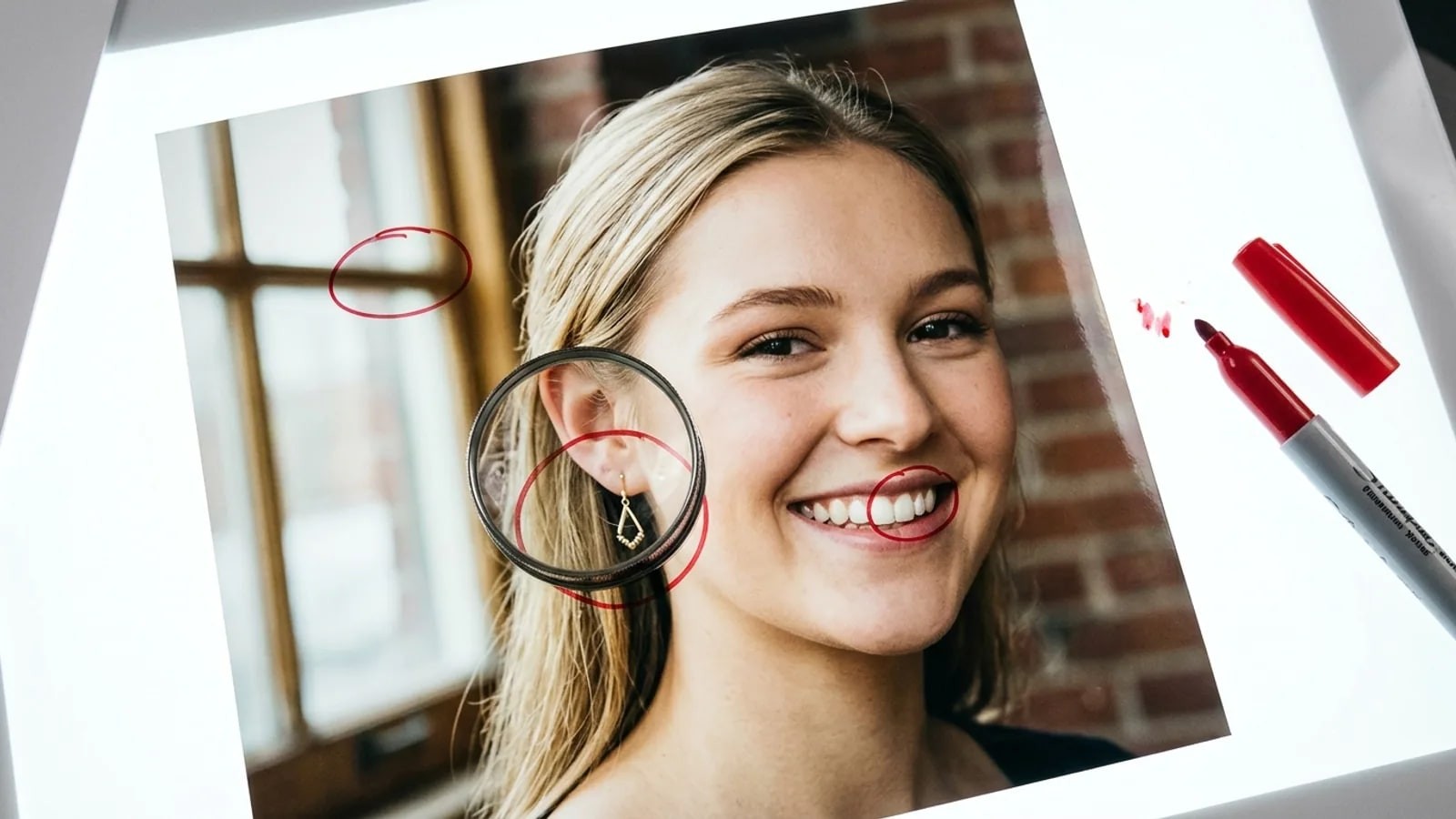
Any YouTube channel owner over 18 can now ask YouTube to watch for AI videos that use their face. How to set it up in Studio, what a match lets you do, and the gaps it leaves.
- How do you set up YouTube likeness detection?
- Open YouTube Studio on a computer, go to Content detection, then Likeness, and select Start now. Agree to the face scan, then verify with a government ID and a short selfie video. You must be an adult and a Channel Owner or Manager. YouTube then flags new uploads that appear to use your face.
YouTube likeness detection is a tool in YouTube Studio that looks for videos using an AI-made or altered version of your face. It started with a small group of partner creators. Since May 2026 it has been opening up to every adult channel owner, gradually and not in every country.
This guide covers who can use it, the setup steps, what to do with a match and, just as important, what it leaves uncovered. The labels come from YouTube's likeness detection help page as of November 2026. YouTube calls the feature experimental, so a label may shift slightly.
Who can use YouTube likeness detection?
YouTube's help page sets three conditions: you are over 18, you are the Channel Owner or a Manager, and the feature is available in your country. It doesn't list the countries where it's missing. It doesn't mention the YouTube Partner Program either, so monetization isn't a condition.
That's a change from the launch. TechCrunch reported in October 2025 that the first wave went only to eligible Partner Program creators. YouTube then added civic leaders and journalists in March 2026 and talent agencies and the celebrities they represent in April 2026.
On May 18, 2026, Tubefilter and Android Authority reported the next step: access for creators 18 and over, announced in a YouTube Help Community post and rolling out over several weeks. If you don't see it yet, the rollout may not have reached your channel or your country.
Editors can't enroll. The help page says Editors and Editors (limited) can review matches and report them for an Owner or Manager who has already set it up.
How do you enroll in YouTube likeness detection?
Find a quiet spot with good light for the selfie video. These steps follow the YouTube help page:
- Open YouTube Studio on a computer and sign in to the channel.
- In the left menu, select Content detection, then Likeness, then Start now.
- Agree to YouTube using biometric technology to search for your likeness.
- Complete Google's identity verification: a clear photo of your government-issued ID and a brief selfie video of your face. When the tool launched, TechCrunch described a QR code on screen that moves this step to your phone.
- Wait for the confirmation email. YouTube's help page says verification can take up to 5 days.
- If other people appear on camera on your channel, each one repeats the steps for their own face.
The selfie video is also the reference YouTube matches against. You may be offered an optional checkbox letting YouTube use your face and voice templates to improve its models. You can leave it unticked, and you can withdraw it later under Manage likeness detection.
Read the data terms before you agree. The help page says your verification data, legal name and face template are kept for up to 3 years after your last sign-in unless you turn the feature off, withdraw consent or delete your account. Your full legal name autofills removal forms and shows in the review list to anyone on the channel with access.
What happens when it finds a video with your face?
Matches land in Content detection, then Likeness, then the For review tab, according to the help page. You can sort by views or subscribers, which helps you deal with the widest-reaching fakes first. Select Review next to a video to see the details, then pick one of three actions:
| Action | When to use it | What happens |
|---|---|---|
| Likeness removal request | An AI or altered video of you that breaks YouTube's privacy rules | Goes through the privacy complaint process; you get an email with the outcome |
| Copyright removal request | The video reuses footage you own | A legal claim; consider fair use first |
| Move to archive | Parody you can live with, or a false match | Video stays up; you can find it in the Archived tab and complain later |
A match isn't a removal. YouTube's March 2026 post says detection doesn't guarantee removal, and its privacy guidelines weigh whether the video is labeled as altered, whether it's parody or satire, and whether you're realistically and uniquely identifiable. YouTube may also give the uploader time to trim or blur the video instead of taking it down.
For the copyright route, YouTube's copyright removal help says only the owner or an authorized agent can file, and your name and email may be shared with the uploader. You can schedule the request to take effect after 7 days, which gives the uploader a chance to remove it before a strike.
What does likeness detection not catch?
The tool is narrow by design. Plan around these gaps, all taken from the help page unless linked otherwise:
- Your voice. It matches faces only. YouTube's help page says audio is planned for 2026, and a voice sample offered at setup isn't active yet. A cloned voice over someone else's face won't show up.
- Older videos. It scans videos uploaded after you enroll. A deepfake posted last year won't appear in For review.
- Everything outside YouTube. TikTok, Instagram, X, websites and messaging apps are out of its reach.
- Every fake on YouTube. YouTube says the experimental model may miss altered videos. Few or no matches is also normal if nobody is misusing your face.
- Reuploads of your real videos, reliably. Real clips of you can show up as matches, but the tool is built for altered faces, not for tracking stolen footage.
- Channels using your photo. The help page talks about videos. A channel that copies your name and photo is a case for YouTube's impersonation policy.
How can creators cover what YouTube deepfake detection misses?
Use YouTube's other routes for YouTube problems, then look past YouTube.
For a fake YouTube missed, file a privacy complaint through the Privacy Complaint Process. YouTube's privacy guidelines cover content where someone used AI to alter or generate your image or voice, so this is also the route for a voice clone.
For an impersonating channel, open the channel, choose Report and cite the impersonation policy. Our YouTube page walks through each YouTube route side by side.
For other platforms, use each one's own impersonation or privacy report, and keep the URL and a screenshot of every copy. For a fake that shows up in Google results, the remove a photo from Google guide covers the removal forms.
For the open web, YouTube can't help. A face search looks for public pages where photos of your face appear: reposted thumbnails, fake profiles, aggregator sites. FaceSearch does this from one cropped photo, and the first search is free without an account. It covers public pages only, doesn't scan frames inside videos, can return look-alikes, and never confirms who someone is.
Search only your own face or a face you represent with permission, and never a minor. The responsible use page has the rules. A face search sends no alerts, so the creators page suggests a fixed routine, such as one search a week with the same few photos. Other audience guides sit in the For hub.
Which tool covers which problem?
| Problem | Best route | Covers voice? |
|---|---|---|
| AI video of your face uploaded to YouTube after you enrolled | Likeness detection, then a likeness removal request | No |
| AI or altered video on YouTube that detection missed | YouTube privacy complaint | Yes |
| Your own footage reuploaded on YouTube | Copyright removal request | Not applicable |
| Channel using your name and photo | Impersonation report | Not applicable |
| Your photos on other sites | Each site's report, plus a face search of the public web | No |
What if nothing shows up in For review?
An empty list usually means nobody has uploaded a fake of you since you enrolled. YouTube's help page calls that normal.
If you know a fake exists and it isn't listed, check three things. Was it uploaded before your enrollment? Is it mainly a voice clone? Is your face small, masked or only on screen for a moment? Any of those can keep it out. Report it through the privacy complaint form instead.
If the whole Likeness option is missing, the rollout hasn't reached your channel or country, or you aren't an Owner or Manager. Check again in a few weeks.
frequently asked
- Is YouTube likeness detection free?
- Yes. YouTube doesn't charge for it, and its help page doesn't require the YouTube Partner Program. You need to be an adult, hold the Channel Owner or Manager role, and live in a country where the experimental feature is available. Verification asks for a government ID and a selfie video, so the cost is your biometric data rather than money.
- Does YouTube use my selfie video to train its AI?
- YouTube says the data you give for likeness detection isn't used to train Google's generative AI models without your consent. A separate, optional checkbox lets YouTube use your face and voice templates to improve its likeness models, and you can untick it later in Manage likeness detection. Faces that don't match an enrolled creator are discarded.
- How do I turn off likeness detection?
- In YouTube Studio, go to Content detection, then Likeness, select Manage likeness detection, then Stop finding matches, then Stop. YouTube's help page says it can take up to a day to take effect. Turning it off deletes your verification data and template, and you lose the list of detected videos.
- Will the uploader know I asked for removal?
- For a likeness removal request YouTube uses its privacy complaint process, and its help page says a screenshot of your verification video may be shown to YouTube's team reviewing the request. A copyright removal request is different: your name and email may be shared with the uploader unless an authorized representative files for you.
- youtube
- likeness detection
- deepfakes
- creators
- ai
Written by
The FaceSearch Team
Product & Research, FaceSearch
We build FaceSearch, the face search engine that shows where your photos appear on the public web.