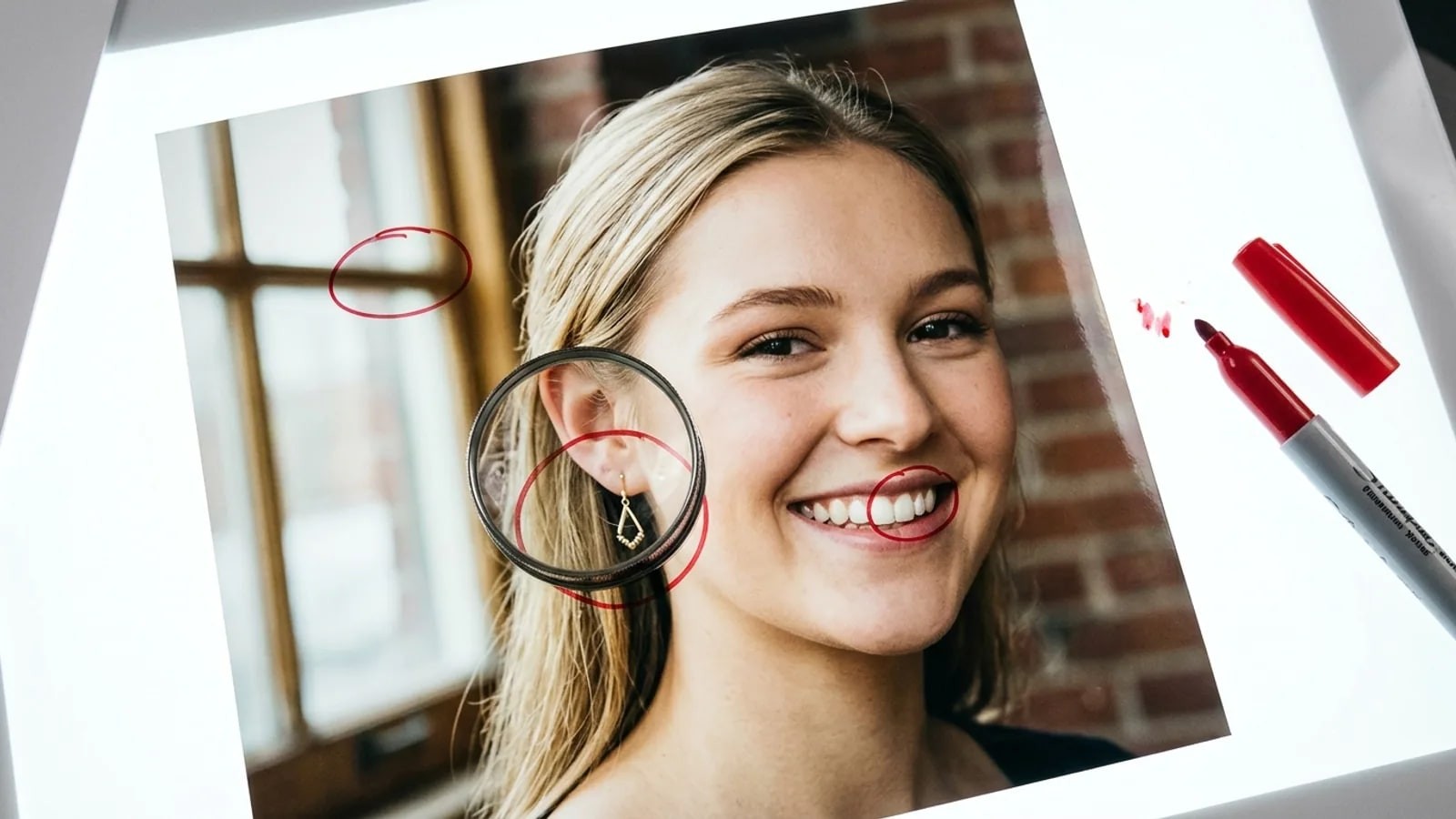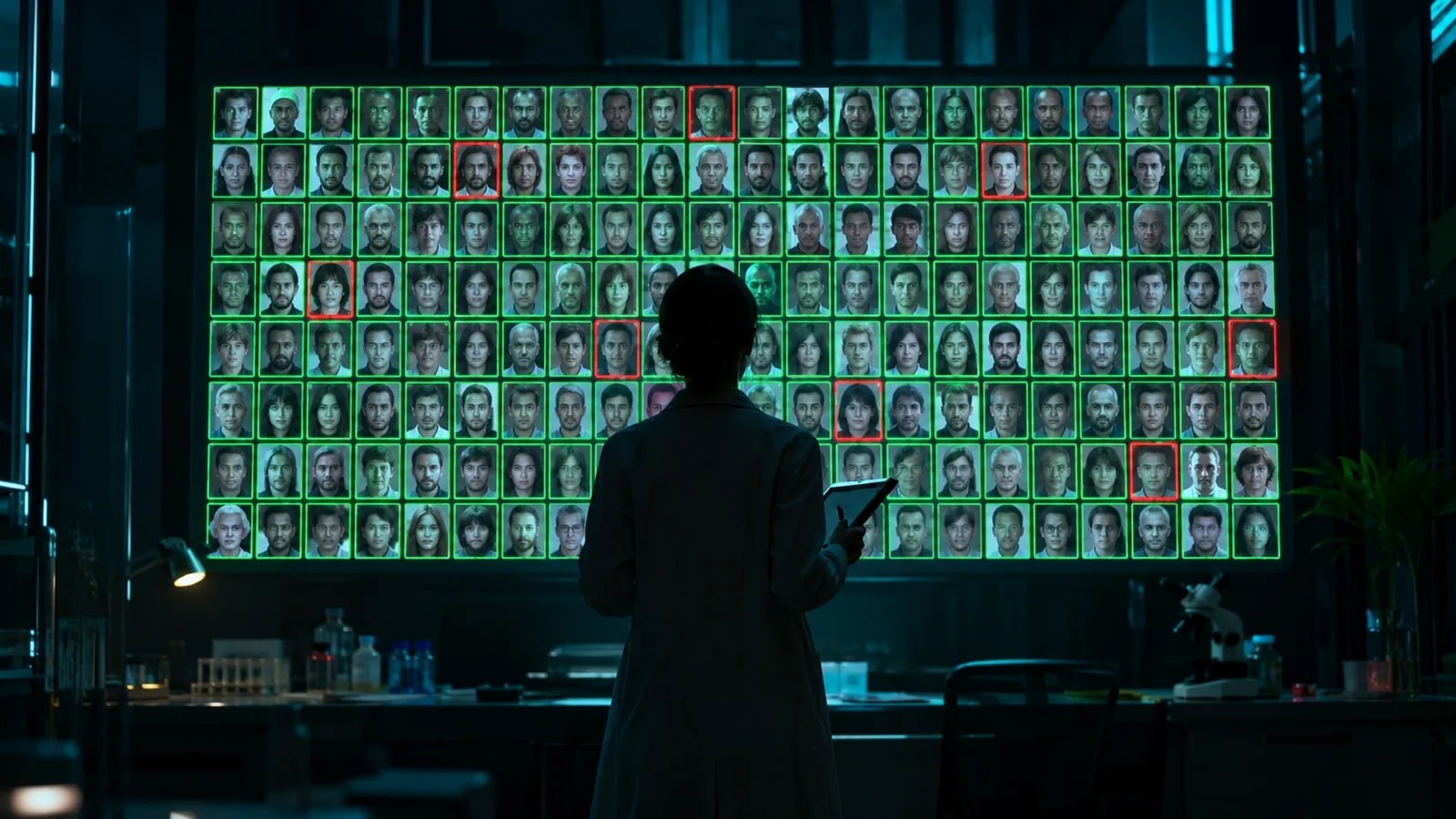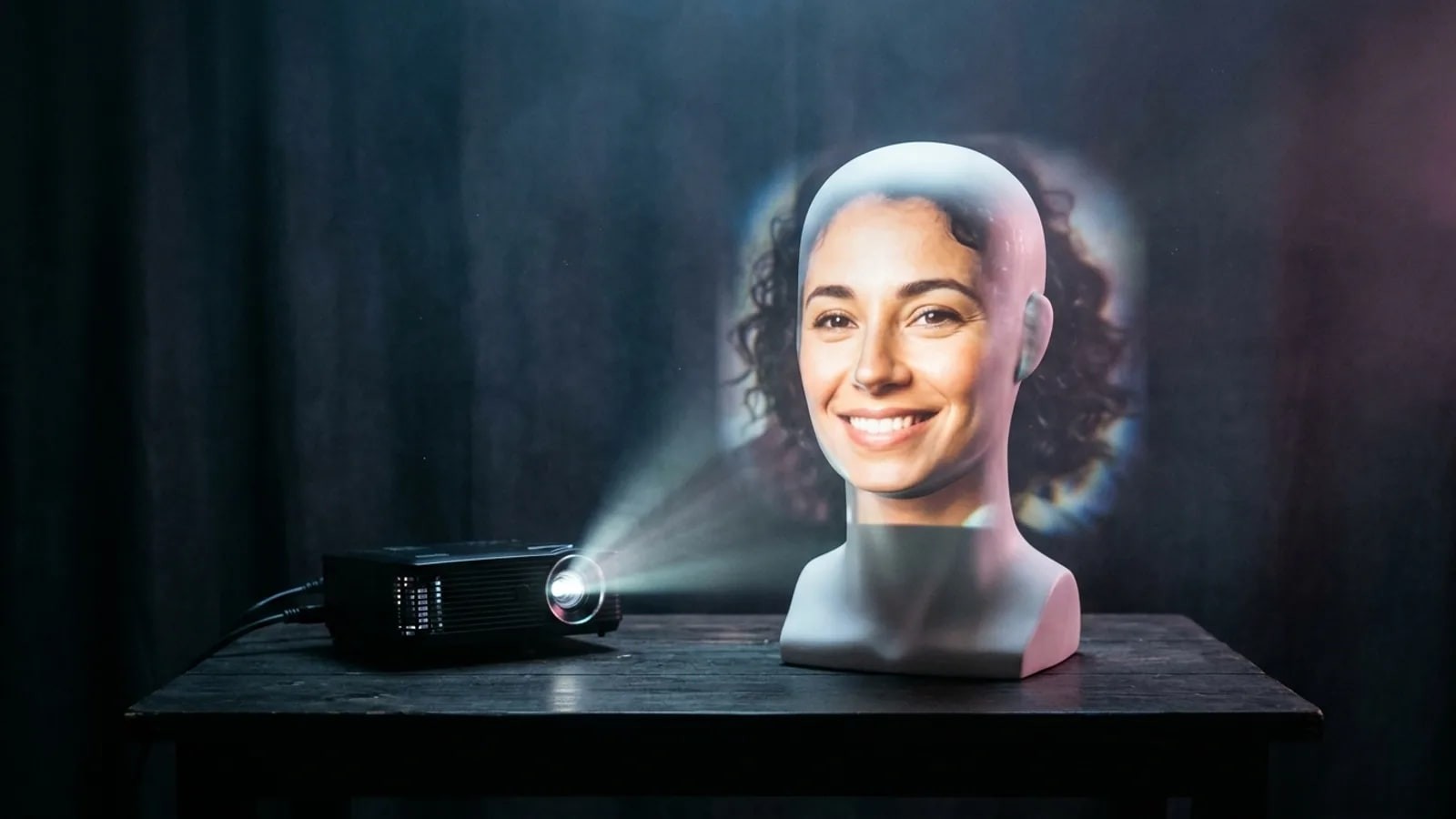
A made-up face has no earlier copy and no other photos, so searches come back empty. When an AI face does have a real match, and what to check instead.
- Why can't you reverse image search an AI-generated face?
- Because there is nothing to find. A reverse image search matches copies of a picture that already exists online, and a freshly generated face has no earlier copy. A face search matches the same person in other photos, and a made-up person has none. So expect no results, look-alikes or other AI faces, then check the account instead.
If a reverse image search on an AI-generated face returns an empty page, the search did its job. The picture had never been anywhere else.
That gap is the appeal. Researchers who checked nearly 15 million Twitter profile pictures in a study published at RAID 2024 found 0.052% were AI-generated, and wrote that such faces likely "reduce the risk of detection through reverse image searches." The FBI warned in December 2024 that criminals create realistic images for fictitious social media profiles.
Why can't a reverse image search find an AI-generated face?
A reverse image search looks for the picture, not the person. Google's help page says results can include similar images and websites with the image or a similar image. Every one of those is a page Google has already seen.
That works on stolen photos. A catfish who takes a real woman's pictures from her public Instagram leaves a trail back to the original.
A generated face was created the moment someone pressed a button. The site that made these faces famous, thispersondoesnotexist.com, built a new face from scratch on every refresh. No earlier copy means no index entry.
What a search can catch is reuse: the same generated picture on several fake profiles.
Why does a face search come up empty as well?
A face search hits the same wall from a different side. It compares the face itself with faces found on public pages, as our how it works page explains.
That is how a face search finds a real person in a different photo, such as a wedding album or an old news story. A synthetic person has no second photo for a match to land on.
FaceSearch works within the same limits. It searches publicly accessible pages only, cannot see private accounts, does not detect AI images, returns look-alikes and never tells you who someone is. Use it only to check someone you are already dealing with, under our responsible use rules.
When does an AI image have a real person behind it?
Not every AI image starts from nothing. A face swap puts a real person's face onto another body, photo or video. An AI headshot is a portrait made by an app from a set of someone's own selfies. In both cases the face comes from real photos of a real person, so it can still resemble them closely.
| Type of image | Built from | Reverse image search | Face search |
|---|---|---|---|
| Fully generated face | Nothing real | Usually nothing, unless the same file is reused | Look-alikes at best |
| Face swap | A real person's photos | May find the original body or scene | May match the person whose face was used |
| AI headshot of a real person | That person's selfies | Usually nothing, the file is new | May match that person's other public photos |
| Stolen real photo | A real person's picture | Often finds the original | Often finds the same person elsewhere |
A match here tells you whose face was borrowed, not who runs the account. The deepfake and AI image check covers what to do when the borrowed face is yours.
What shows up when an AI face gets no real results?
You usually get something back:
- Look-alikes. A face search ranks faces by similarity, so strangers with a similar face appear, often lower in the list. The doppelgänger effect page explains why.
- Other AI faces in the same style. Polished skin, soft studio light and a centered pose are common in generated portraits.
- Stock headshots with the same pose or background, with no connection to the person.
- The same face under other names. This is the result worth having, and a strong sign of a fake.
A worked example
Say you match with "Daniel" on a dating app. His three photos show the same flawless face. Google Lens returns men in similar suits and a stock photo site. A face search returns a few look-alikes with different names.
Nothing proves Daniel is AI-made, and nothing shows he exists. The next steps are about the account, not the picture. Our results guide shows how to read a ranked list.
Does no result prove a face is AI-generated?
No. An empty search fits several stories besides a synthetic face.
- Plenty of real people have almost no public photos. Locked accounts are never indexed, as our post on whether reverse image search can find private photos explains.
- Heavy cropping, filters and mirroring can hide a stolen picture from a picture search.
The reverse is also true: a hit does not prove the person you are talking to is real. It may show someone whose photos were stolen. Treat "no results" as one signal that adds weight to other doubts.
Has search changed since "this person does not exist"?
The famous faces of 2019 came from StyleGAN, a model published by Nvidia researchers in December 2018. The RAID 2024 study notes thispersondoesnotexist.com went online in February 2019 and made those faces available to anyone.
Those faces had a pattern. LinkedIn researchers wrote in June 2023 that such models trained on cropped, aligned faces, which left a regular structure. Diffusion models do not rely on aligned faces, and their method did not carry over to Stable Diffusion faces.
Reverse search has not changed: a new image still has no earlier copy. What has changed is provenance, a record of where a file came from. Google says its Gemini app can check images for SynthID, its invisible watermark, since November 2025, and that images from its Nano Banana Pro model carry C2PA metadata.
What should you do instead of a reverse search?
- Check provenance. Upload the file to the free Content Credentials Verify page. The C2PA's July 2026 guidance says "No Content Credentials found" means the file was not made with a conformant tool or the record was stripped, which screenshots can do.
- Look for the visual tells. Our post on how to spot an AI-generated profile picture lists nine, from eye reflections to warped backgrounds.
- Ask for a live check. A short video call or a specific selfie is harder to fake than a profile photo. Ask plainly, without saying what you suspect.
- Check the account's history. Look at its age, friends who interact, tagged photos taken by other people and posts from years back.
- Keep money out of it. The FBI's advice is to never send money, gift cards or crypto to people you do not know.
Platform AI labels help when they appear, but Meta says invisible markers can be stripped. A missing label proves nothing.
frequently asked
- Can Google Lens tell me if a face is AI-generated?
- No. Lens finds matching and similar pictures; it does not judge how an image was made. Google offers a separate check in the Gemini app, which looks for its SynthID watermark. That only covers images made or edited with Google's own AI tools, so a "no" says nothing about other generators.
- Why do fake accounts use AI faces instead of stolen photos?
- A stolen photo has an owner and an original, and a reverse image search can lead straight to both. A generated face has neither. Researchers who studied AI faces on Twitter said this is a likely reason for their use, and found accounts with them involved in spam and political amplification.
- Can someone make an AI image that looks like me?
- Yes. Face swaps and AI headshot tools start from real photos, so your public pictures can be used. Unlike fully synthetic faces, these keep a resemblance to you, which means a face search with your own photos can sometimes find public copies. A search cannot tell you whether a matching image is AI-made.
- Is it worth searching a suspected AI face anyway?
- Yes, because the cost is a minute and a hit changes everything. If the same face appears on several profiles with different names, you have a clear sign of a fake. If nothing comes back, add that to your other doubts and move on to the account checks above.
- ai photos
- reverse image search
- fake profiles
- content credentials
Written by
The FaceSearch Team
Product & Research, FaceSearch
We build FaceSearch, the face search engine that shows where your photos appear on the public web.