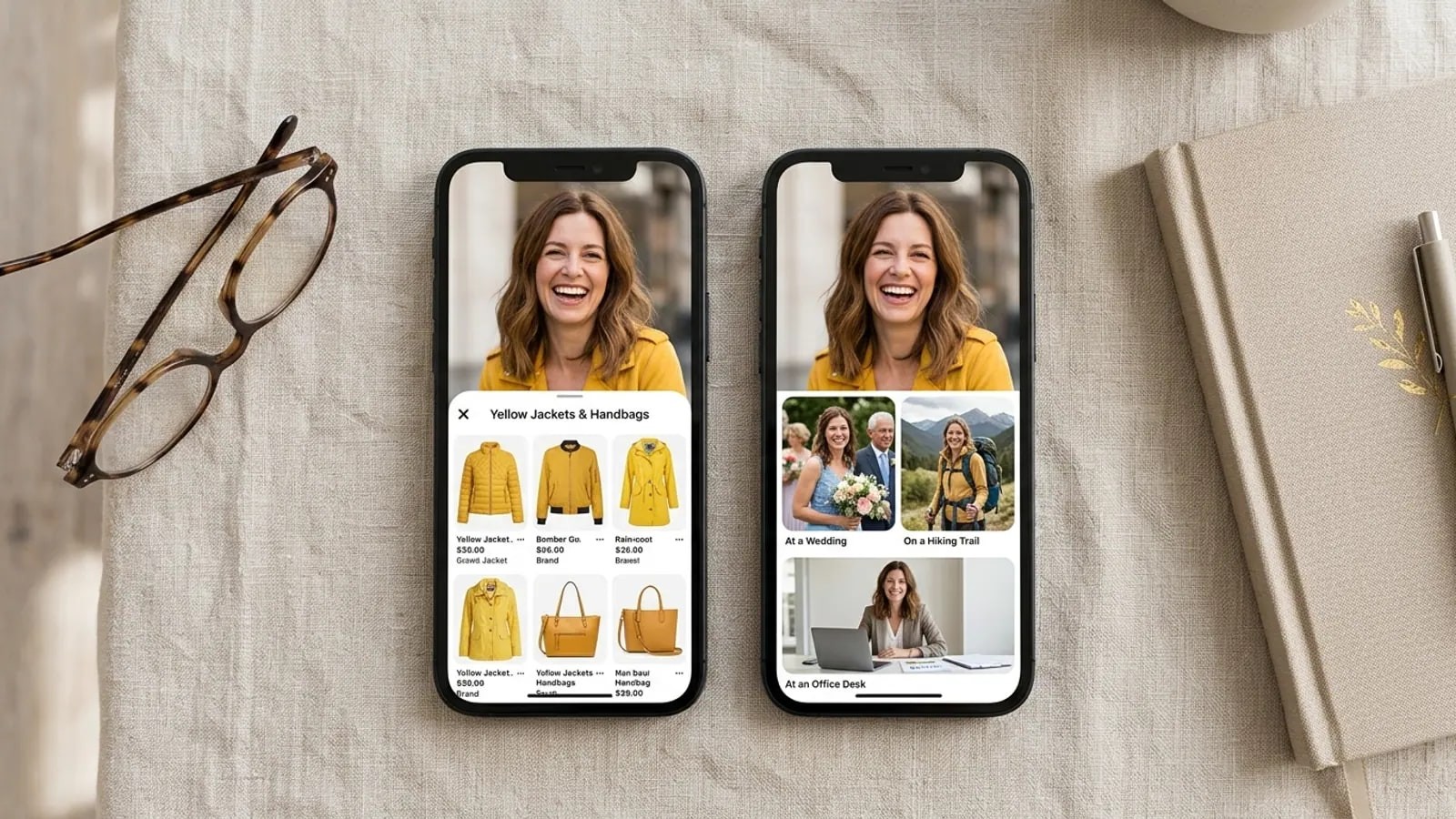
Search engines and face search engines only see pages that load without a login. What the public web includes, the grey zones, and the settings that shrink your trail.
- Can reverse image search find private photos?
- No. Reverse image search and face search engines can only match pictures on pages that load without a login. Private accounts, stories, direct messages, WhatsApp chats, closed groups and shared cloud albums are never in their index. A private photo shows up only if a copy of it was posted somewhere public.
People ask whether reverse image search can find private photos for opposite reasons. Some want to check a person whose account is locked. Others want to know if their own locked account is as hidden as they think. The answer to both comes from how a search index gets built.
Can reverse image search find private photos at all?
Every search engine starts with a crawler, a program that loads web pages the way your browser does and follows the links it finds. Google's own explainer says most new pages are found by following links from pages it already knows, and that some pages "may not be accessible without logging in." A crawler has no account and no password, so a login wall stops it.
Site owners have two more switches. A robots.txt file asks crawlers to skip certain addresses, though Google's robots.txt guide says it "is not a mechanism for keeping a web page out of Google." A noindex tag is stronger: Google's noindex page says it drops the page from results, as long as the crawler can reach the page to read it.
Face search engines work the same way: crawl public pages, find the faces, store a numeric description of each. Our how it works page walks through that pipeline. If a page never loads for a stranger, its faces never enter any index.
What counts as the public web, and what does not?
"Public web" means pages that load for anyone signed out, which the site lets crawlers read. That includes:
- Public profile pages on social networks, where the platform allows indexing
- News sites, blogs, company team pages and event galleries
- Forums, public comment threads and review sites
- Embedded posts on ordinary web pages
- Reposts, fan pages, scraper sites and archives
It excludes anything that needs an account or an invitation: private accounts, stories, direct messages, WhatsApp and Telegram chats, closed Facebook groups, logged-in-only pages, and cloud photo albums shared with named people.
Big platforms add their own rules on top. Instagram's search engine help page says search engines may index public posts and reels from January 1, 2020 onward, but only on public professional accounts of people over 18, and the owner can switch it off. X's help page says protected posts do not appear in third-party search engines. The platforms hub shows where the line falls on each app.
Where are the grey zones?
Profile pictures stay public on "private" accounts. Instagram's public vs private comparison says your profile photo, name, username and bio are visible to anyone, on or off Instagram, even on a private account, and its help center says there is no way to hide your bio or profile image. TikTok says the same about name, username and profile photo. On Facebook, the current profile picture and cover photo are public.
Old public posts can linger. X notes that posts which were public before you protected your account may still sit in third-party search indexes. Instagram says it can't promise if or when another search engine will remove content.
Copies escape. A follower can screenshot a private post and repost it on a public forum. That copy is now public, and it can match. The original account is still private.
Platforms change these rules, so check each app's help pages.
A worked example
Say Priya keeps a private Instagram account. Her profile picture is the same headshot she uses on her company's public "Our team" page. Three years ago her account was public, and a friend's wedding blog posted a group shot with her in it.
A face search of Priya's face can return the team page and the wedding blog, but no post from her private grid. It may look like the search "found her Instagram". It found two ordinary web pages.
What can each tool see?
| Content | Google Search and Lens | A face search engine | The app itself, signed in |
|---|---|---|---|
| Public profile page | Yes, if the platform allows indexing | Yes, once crawled | Yes |
| Profile photo on a private Instagram or TikTok account | Can appear | Can match | Yes |
| Posts on a private account | No | No | Approved followers only |
| Stories and direct messages | No | No | Sender and recipients |
| WhatsApp or Telegram chats, private groups | No | No | Members only |
| Closed groups and logged-in-only pages |
Google matches pictures; a face search matches the face. The face search vs reverse image search explainer covers that difference, and our Google Lens vs face search post shows which tool to open for which job.
Does PimEyes search social media?
By its own account, no. The FAQ on PimEyes' pricing page says it "does not search or index content from social media platforms" and that social networks and professional networks are excluded on purpose. A picture first posted on social media can still match if a copy sits on an ordinary public site.
What about apps that claim to see private accounts?
Don't trust them. Privacy is enforced on the platform's own servers: Instagram says only followers you approve see a private account's posts, and an outside site can't sign in as one of those followers. No legitimate tool sees inside private accounts, ours included.
These "private profile viewer" sites tend to ask for a username, then push a survey, an app download or a login form. Never enter your own password or install an app to see someone else's private account.
What does this mean if you are checking someone?
A face search can still help when someone's account is private. You might find a public team page, an old article, or the same face under a different name, the classic sign of a fake profile. You won't see their private posts.
FaceSearch works on the same line: publicly accessible pages only, nothing behind a login, no private albums. It returns pages, not names, and look-alikes appear, so a match is a lead to check. An empty result proves nothing, since a private photo leaves no public copy.
Use it on your own face, or to check someone you're already dealing with, such as a dating match or a seller. Don't use it to track down a stranger. Our responsible use rules set out what is allowed.
Which privacy settings actually reduce your exposure?
Settings only affect future crawls, and only on that platform.
- Set accounts to private on Instagram, TikTok and X. Posts drop out of logged-out view.
- Choose your profile pictures on purpose. They stay public on Instagram, TikTok and Facebook. Pick one you're happy for strangers to see.
- Turn off Instagram search engine indexing if you stay public: Settings and activity, then Account privacy, then turn off Allow public photos and videos to appear in search engine results.
- Review your LinkedIn public profile. LinkedIn's help page says this setting controls what search engines show, and that engines can take weeks or months to catch up.
- Limit your WhatsApp profile photo to My contacts or Nobody under Settings, Privacy, Profile photo, per WhatsApp's help center.
frequently asked
- Can Google find photos from a private Instagram account?
- Not the posts. Google can't sign in, so private posts never enter its index. It can show the profile photo, name and bio, which Instagram keeps public on every account, plus copies someone reposted on a public site and posts indexed while the account was public.
- Does making my account private remove photos already indexed?
- Not straight away, and not everywhere. Search engines remove pages when they crawl them again and find them gone or restricted, which takes time. Instagram and X both say older public content can stay in third-party search results for a while. Copies on other websites stay until the owner of that site removes them.
- Can a face search see my WhatsApp profile picture?
- No. WhatsApp profiles, statuses and chats exist only inside the app and are not web pages, so no crawler can reach them. The risk is a copy: if the same photo is on a public site, a face search can match that copy. Setting your profile photo to My contacts or Nobody limits who can screenshot it.
- reverse image search
- privacy
- public web
- private accounts
Written by
The FaceSearch Team
Product & Research, FaceSearch
We build FaceSearch, the face search engine that shows where your photos appear on the public web.