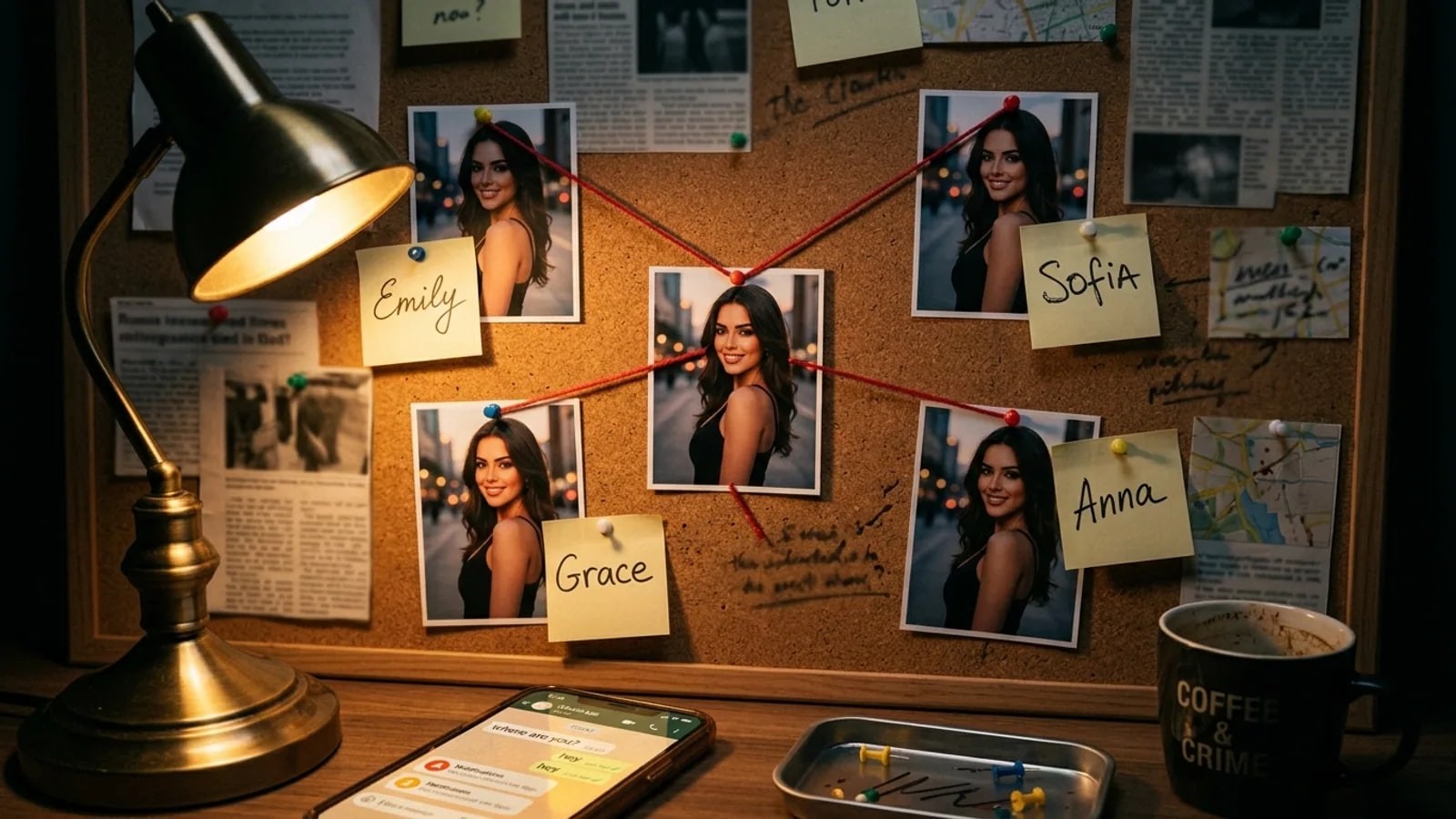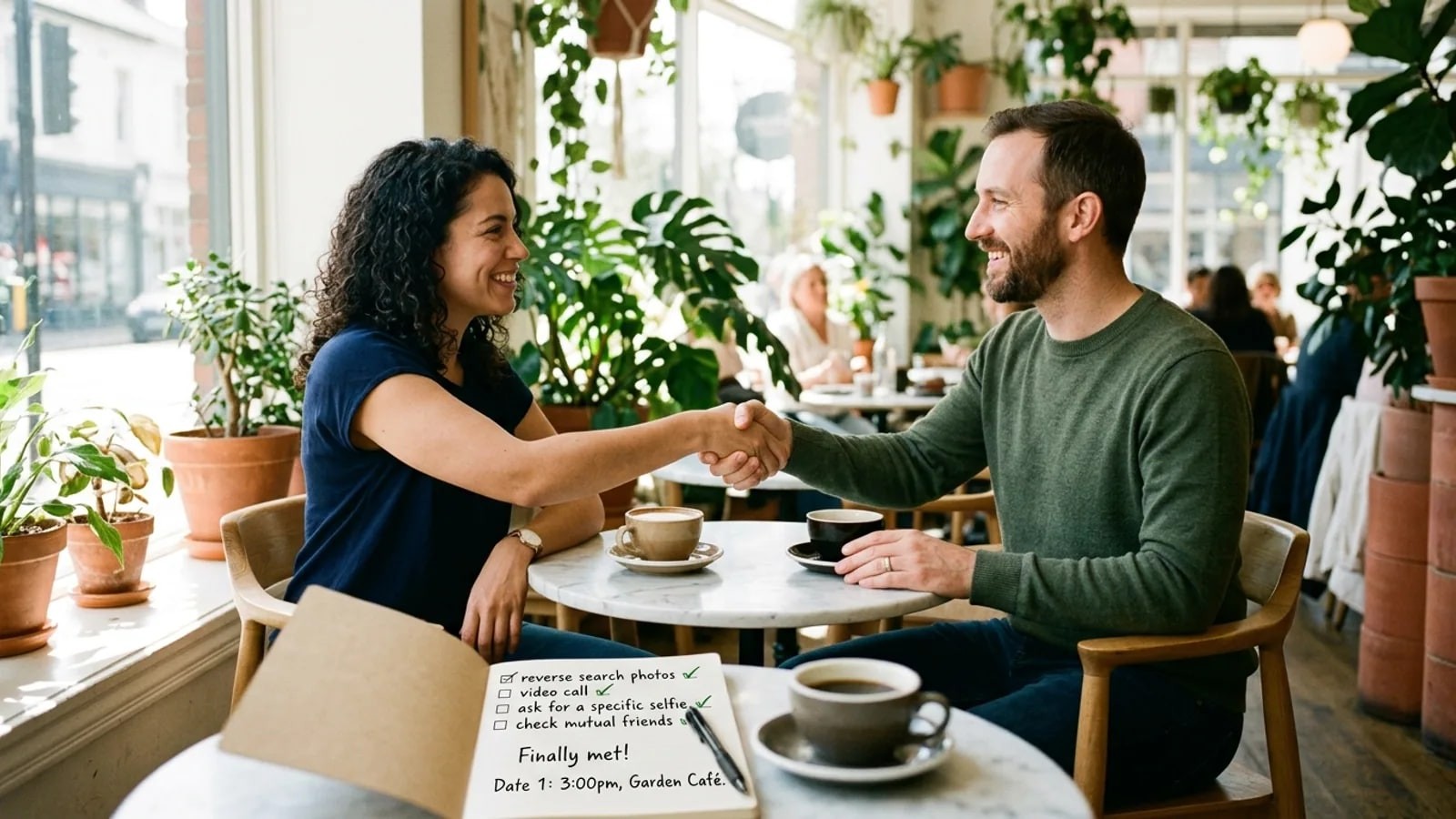
AI faces now fool most people at a glance. Nine small tells that still slip through, how to stack them, and why a reverse search often comes back empty.
- How do you spot an AI-generated profile picture?
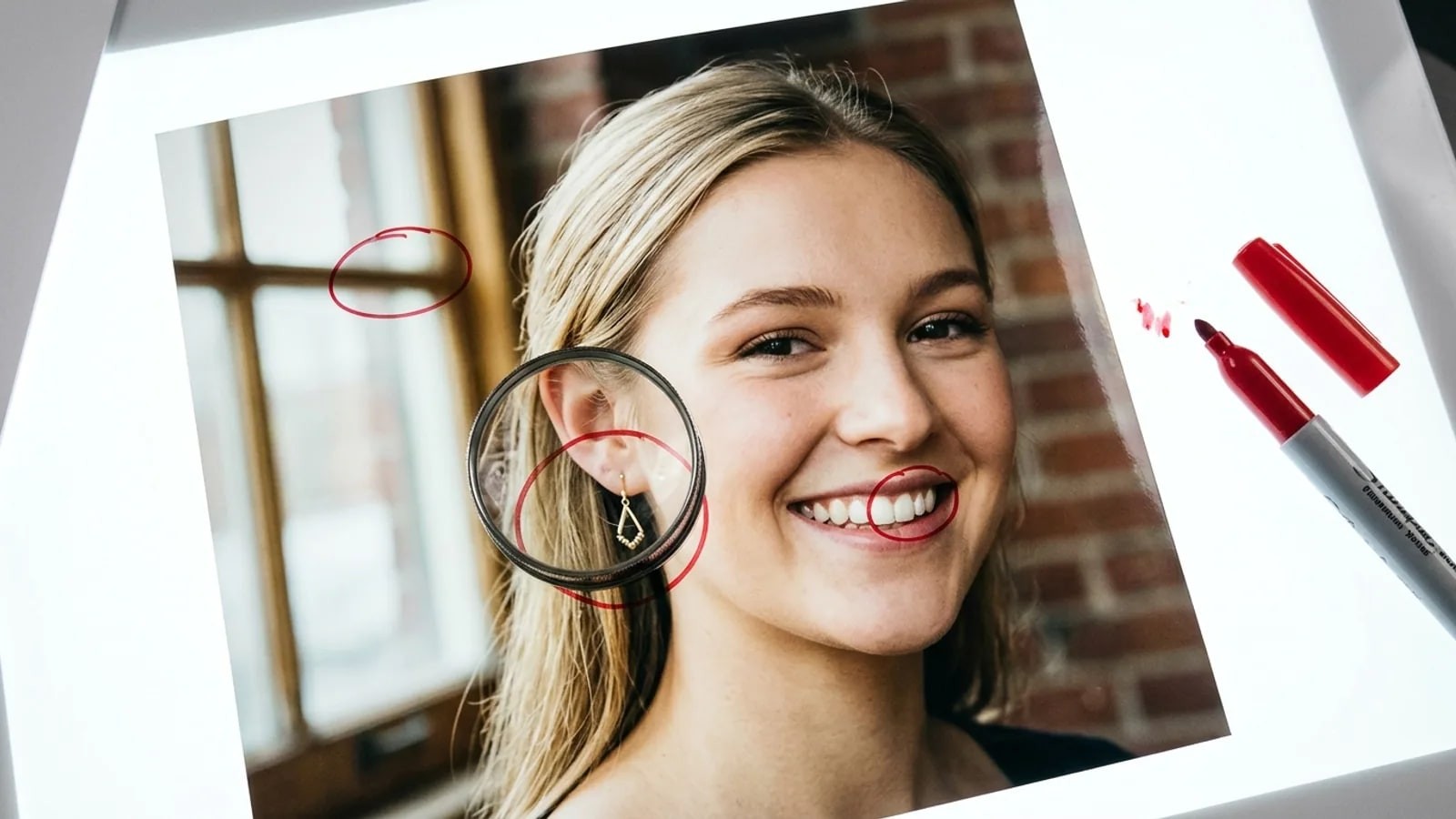
- Look for several small errors at once: eye reflections that differ, odd teeth, earrings or ears that do not match, hair that melts into the background, plastic skin, warped backgrounds or text, and a profile where every photo is the same flawless face. No single tell proves anything in 2026. Stack the signs, then ask for a live video check.
Learning how to spot an AI-generated profile picture got harder once generators learned faces. In a 2022 study in PNAS, people sorting real faces from StyleGAN2 fakes scored 48.2%, about a coin toss, and rated the fakes as more trustworthy. So the method is to stack small signals and add context.
Training helps a little. In a November 2025 study led by the University of Reading, five minutes on common rendering errors lifted typical participants from spotting 31% of fake faces to 51%, and super-recognisers from 41% to 64%. If an AI face has fooled you, you are in large company.
How to spot an AI-generated profile picture in the face
1. Eyes that reflect two different rooms
Look at the catchlights, the small reflections of light in each eye. In a real photo they match in shape and position, because both eyes see the same window. In a generated face they can differ, and pupils can look out of round.
A generator paints each eye from patterns, with no physics tying them together. Researchers Hu, Li and Lyu built a detection method on this mismatch in 2020.
The quick check: zoom until the eyes fill the screen and compare the reflections.
2. Teeth that do not count right
Look for teeth that form one even white strip, a middle line off center, or too many front teeth. Teeth are small, similar shapes in a row, and generators tend to blend them. The Reading training covered wrong tooth counts.
The quick check: count the top front teeth and look where each meets the gum.
3. Ears and earrings that are not a pair
Look for two earrings of different designs, an earring fused into the lobe, or ears of different shapes or heights. The generator builds each side of the head without a rule saying they belong together. Some people wear odd earrings on purpose, so count this as one point.
The quick check: zoom on each ear in turn and compare.
4. Hair that melts at the edges
Look at the outline of the hair. Strands fade into a smudge, flyaways end in nothing, or hair passes through the arm of a pair of glasses. The border between hair and background is hard to render, and the Reading study named unusual hair patterns as a common error.
The quick check: follow the hairline from one shoulder to the other.
5. Skin that looks airbrushed everywhere
Look for the same smoothness from forehead to neck, no pores, and a faint glossy sheen. Generators learn from huge numbers of retouched photos and drift toward that polished average. Beauty filters do the same, so this is the weakest tell alone.
The quick check: compare the eyelashes with the skin beside them. Sharp lashes next to blank skin is a reason to look closer.
What AI-generated face signs show up in the rest of the frame?
6. Backgrounds and text that fall apart
Generators spend their detail on the face. Look for lettering that spells nothing, door frames that bend, warped windows, or background people with melted faces.
The quick check: try to read any sign or shirt print out loud, then follow each straight line with your eye.
7. Hands that do not add up
Look for extra or merged fingers, missing nails, or a ring sinking into skin. Hands take endless poses, which makes them hard to render.
The quick check: if a hand is in frame, count the fingers.
8. Accessories and clothing that change halfway
Look for glasses frames that differ left and right, a temple arm that vanishes, a chain that merges into skin, or a collar shaped differently on each side.
The quick check: trace each strap, chain and frame from end to end. Real objects continue.
What gives away fake AI dating photos across a whole profile?
9. A face that never lives anywhere
One photo can pass every check above, so look at the whole set. Fake AI dating photos often show the same face, angle, flattering light, age and expression in every shot. There are no group shots, no photos tagged by friends, and nothing badly lit or from years ago.
The quick check: scroll the full profile for one ordinary photo someone else took. The 10-minute checklist for checking if a person is real covers account history.
Can a tool tell you if a photo is AI-generated?
Some tools can confirm that a photo is AI-made. None can prove it is real.
Content Credentials is an open standard from the C2PA, an industry group, that attaches a signed record of how a file was made. You can upload an image to the free Verify page. The C2PA's July 2026 guidance says "No Content Credentials found" means the file was not made with a conformant tool or the record was stripped.
On LinkedIn, such images show a small icon, and the help page says clicking it shows whether AI was used. Meta reads similar signals to label images, but says it is "not yet possible to identify all AI-generated content" and that invisible markers can be stripped.
SynthID is Google's invisible watermark for its own AI images. Since November 2025 you can upload an image to the Gemini app and ask whether Google AI made it, per Google's announcement. A "no" says nothing about other generators.
Metadata, the hidden EXIF data in a file, can name a camera or app. Screenshots and most uploads remove it, and anyone can edit it, so it proves nothing either way.
AI-detector websites give a probability, not an answer. In a May 2026 NewsGuard test, three of five popular detectors often labeled authentic news photos as AI-generated, and one detector's CEO said resizing and compression can cause false flags. Profile pictures are nearly always resized and compressed.
| Method | What it can tell you | What it cannot |
|---|---|---|
| Content Credentials (Verify page, LinkedIn icon) | Which app made or edited a file, when it carries a record | Anything, once the record is stripped |
| SynthID in the Gemini app | Whether Google's AI made the image | Whether any other generator did |
| EXIF metadata | Hints about the camera or app | Much: it is easy to strip and edit |
| AI-detector websites | A probability to weigh with other signs | A reliable verdict |
| Your eyes, using the nine tells | A pattern of errors | Proof, since filters cause some of the same errors |
Why does a reverse search find nothing for an AI face?
A reverse image search such as Google Lens or TinEye looks for copies of the same picture. A fully generated face has no original anywhere, so the search often comes back empty.
Empty is not proof. The face may be AI-made, or it may belong to a real person with little public presence, or the photo may be cropped enough to hide it. A hit tells you more: the same face under other names, or in a gallery of generated faces, is a strong sign.
A face search compares the face itself, so it can find an AI face reused on other public profiles even when the picture differs. FaceSearch works on public pages only. It does not detect AI, cannot see private accounts, can return look-alikes and does not tell you who anyone is. Use it only to check someone you are already talking to, under our responsible use rules. The deepfake and AI image check page explains what a face search can and cannot find in AI cases.
What should you do if you think a profile picture is AI-generated?
- Pause anything involving money or personal details. Suspicion is enough reason to wait.
- Ask for a live check. A short video call is the simplest test; a specific selfie, such as one holding a spoon, also works. Do not say what you suspect.
- Read the chat for other signs. The signs of a catfish post lists the conversation red flags that usually come with fake photos.
- Report the profile as a fake account. The guide to reporting a fake profile lists each platform's form.
- Tell someone you trust, especially if money has moved.
If you trusted the photo, that is not a failure on your part. These faces fool most people, and fake profiles count on it. More dating and scam checks are on the use cases hub.
frequently asked
- Are all AI profile pictures a sign of a scam?
- No. Plenty of people use AI avatars or AI-edited headshots openly, for privacy or a work profile. The problem is a generated face presented as a real person you are meant to trust, meet or pay. If a match uses one, ask about it plainly. An honest person will usually just tell you.
- Can an AI-generated photo still show a real person?
- Yes. Headshot apps build AI portraits from a person's own selfies, and editing tools can change a real photo heavily. An AI-looking picture does not always mean nobody real is behind the profile. It means you need other evidence, such as a live video call and a profile history that makes sense.
- Does a small or blurry photo hide the tells?
- Often, yes. Thumbnails and heavy compression smear the details you need: eye reflections, teeth, hair edges and text. Open the photo at full size where the app allows, and ask for more pictures. Detector websites also struggle with compressed images, so a low-quality photo is a reason to lean on a live check.
- Will these tells still work next year?
- Some will fade. Each new generation of image tools fixes the errors people learned to look for, and hands and text have already improved. The checks that last longest are at the profile level: a history of ordinary photos, other people in them, and a person who can appear on a live call.
- ai photos
- fake profiles
- dating safety
- content credentials
Written by
The FaceSearch Team
Product & Research, FaceSearch
We build FaceSearch, the face search engine that shows where your photos appear on the public web.