Chat photos save in two taps, but profile pictures now block screenshots. How to check a WhatsApp photo anyway, read the results and lock down your own DP.
- How do you reverse image search a WhatsApp photo?
- Save the photo from the chat to your gallery, then search it with Google Lens, Circle to Search or a face search. Profile pictures are harder: WhatsApp blocks screenshots of them on supported Android and iOS versions, so use a photo the person sent you in the chat instead. View once photos can't be saved at all.
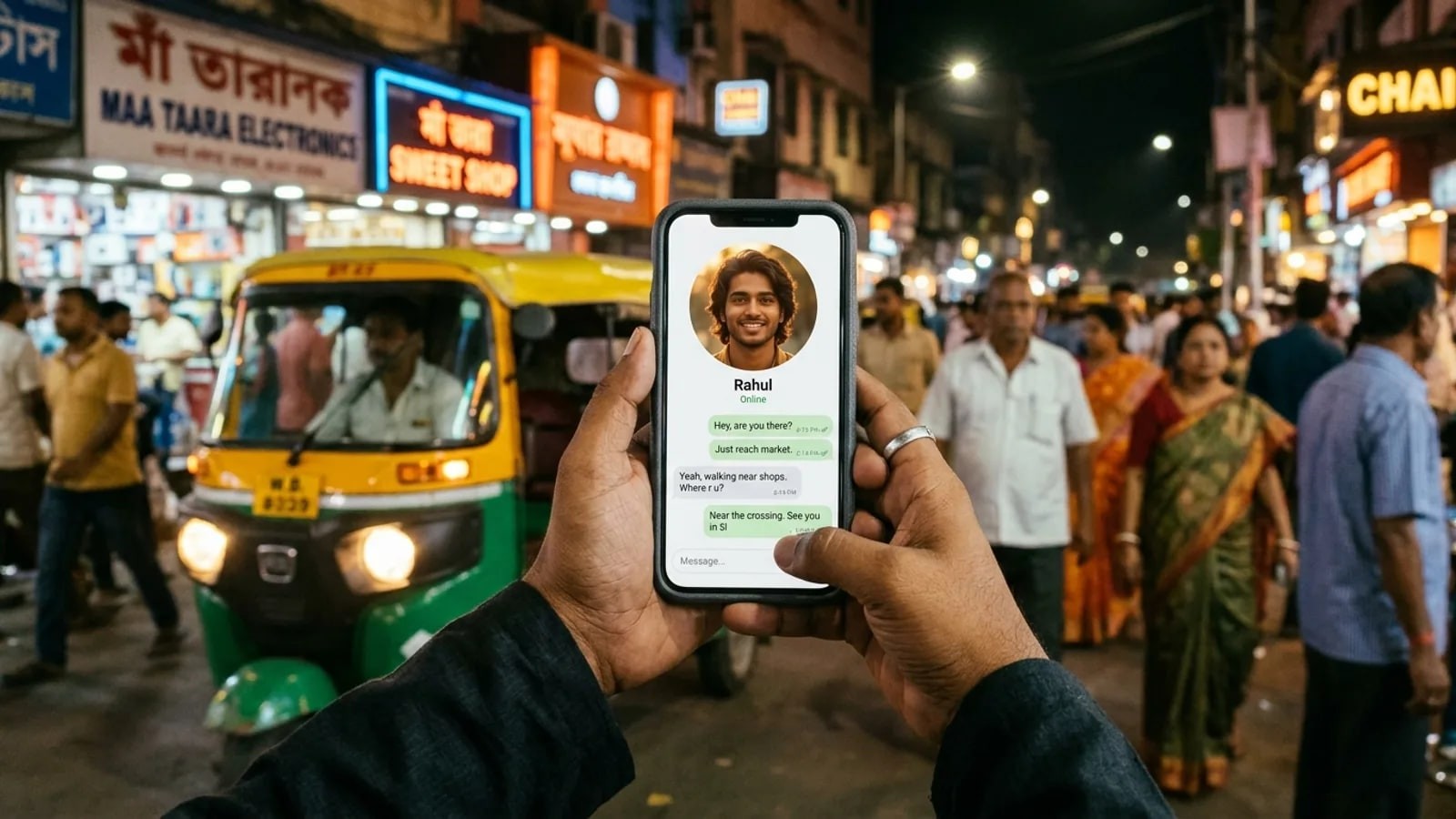
A WhatsApp reverse image search usually starts with a message from someone you don't know. A "wrong number" that turns friendly, a recruiter offering part-time work, a loan agent, or a match from a matrimonial site who wants to move the chat to WhatsApp. The photo is often the weakest part of their story.
Settings and labels below follow WhatsApp's Help Center as of November 2026.
How do you save a photo from a WhatsApp chat?
Photos someone sends you in a chat are the easiest to search, because WhatsApp lets you keep them.
On Android
WhatsApp saves photos you download to your phone's gallery by default. Its Help Center says the Media visibility setting is on by default and lives under Settings > Chats.
- Open the chat and tap the photo so it downloads.
- Open your Gallery or Google Photos and look in the WhatsApp Images album.
- If it isn't there, open the contact's info in the chat and check that Media visibility isn't set to No for that chat.
On iPhone
- Open the chat and touch and hold the photo.
- Tap Save, as WhatsApp's iPhone help describes.
- Open the Photos app to find it. To save every photo automatically instead, turn on Save to Photos under Settings > Chats.
View once photos
Some photos arrive as view once. WhatsApp's view once help page says the recipient can't save, forward, copy or screenshot it. If a stranger sends you view once photos and pushes you to act quickly, treat that as a warning sign in itself.
Can you reverse image search a WhatsApp DP?
Not directly, as of November 2026. WhatsApp's page on profile photo screenshot blocking says you can't take a screenshot of another person's profile picture. The block applies on supported Android and iOS versions, and nobody can switch it off. Many older guides still say "just screenshot the DP". That advice is out of date.
You still have good options:
- Use a chat photo. Scammers often send more pictures to build trust: a selfie, a "family" photo, a photo at work. Save one with a clear face and search that.
- Search the profiles they name. If they say they work at a company or point you to an Instagram or LinkedIn account, open it in your browser and search the photos there.
- Ask for a live video call. For a matrimonial match or a recruiter, a short call with the camera on settles more than any search.
The Telegram and WhatsApp page explains what a face search can and can't see on each messaging app.
Does WhatsApp have its own reverse image search?
No feature for searching images is documented in WhatsApp's Help Center as of November 2026. The WhatsApp blog describes a 2020 pilot that added a magnifying glass next to frequently forwarded messages, in seven countries that did not include India.
Tech press reported in November 2024 that an Android beta tested a "Search on web" option in a received image's menu, which sent the picture to Google. Don't count on it being there: the steps below work on any phone.
How do you run a WhatsApp reverse image search on Android or iPhone?
Once the photo is in your gallery, two kinds of search answer two different questions.
Search the whole picture with Google Lens
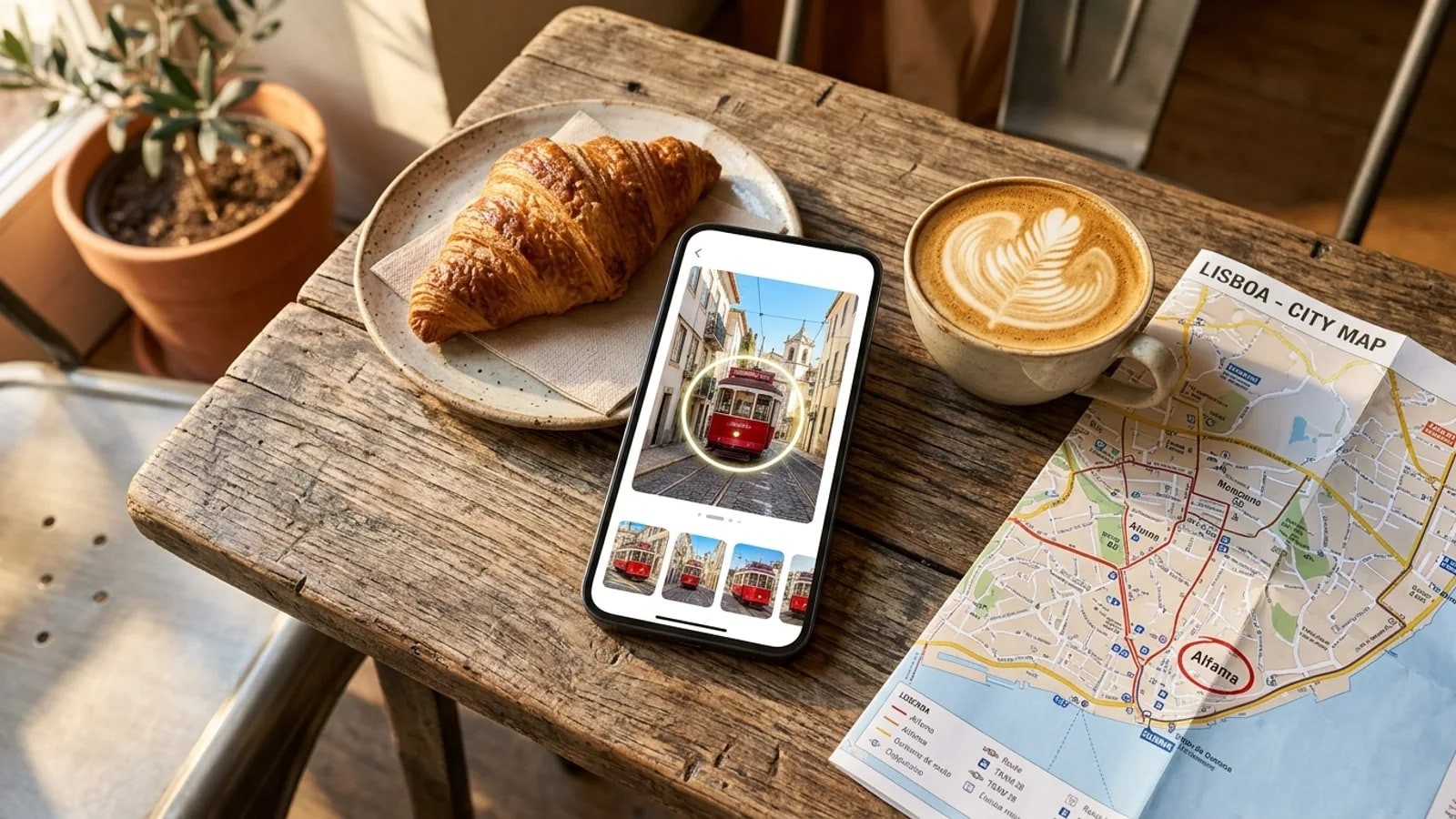
Google Lens finds copies of the same image: a stock photo, a model's portfolio, a news story. On Android, open the Google app, tap the Lens icon and pick the saved photo, per Google Search Help. Circle to Search works too on supported phones. The Android guide has every route step by step, and the iPhone guide covers Visual Look Up, Safari and the Google app.
Crop off chat bubbles, timestamps and names first. Leftover app interface makes matches worse.
Search the face
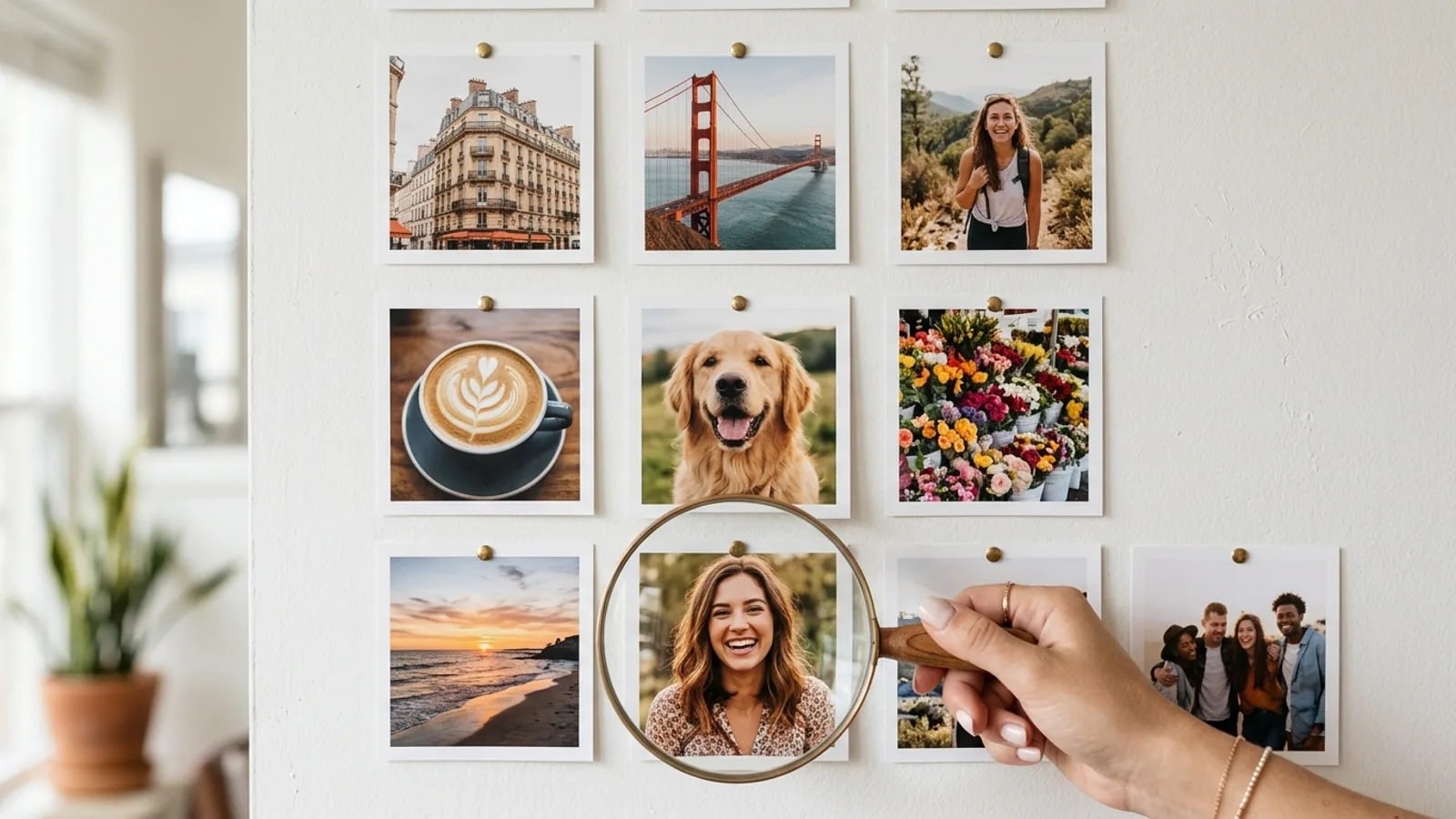
Lens compares pictures. A scammer who uses a less common photo of a real person can slip past it. A face search looks for the same face in other photos on public pages, even when the exact picture isn't online.
FaceSearch does this from a browser or its mobile apps. Crop your saved photo to one clear, front-facing face and upload it. The first search is free and needs no account. It covers the public web only, so it can't see WhatsApp, private accounts or chats. Look-alikes happen, and a result never tells you who someone is.
Use it to check a person who contacted you, or to find your own photos. Never search a minor, and never use a result to track down or confront someone. The responsible use rules spell this out.
| Method | What you search | What it finds | Watch out for |
|---|---|---|---|
| Google Lens or Circle to Search | The saved chat photo | Copies of the same picture, similar images | Misses a real person's less common photos |
| WhatsApp "Search on web" | A received image, if your app has it | Google image results | Not documented by WhatsApp; may not appear |
| Face search | A crop of one face | Other public photos of the same face | Public web only; look-alikes happen |
| Live video call | The person, in real time | Whether they match their photos | Deepfake video exists; ask them to turn their head and wave |
What do the results mean?
Open the pages, not just the thumbnails. The page tells you who posted the picture, under which name and when.
Signs the photo is borrowed
- The same face appears under a different name, often on a modelling site, a fitness account or a foreign news story.
- The photo shows up in a scam warning thread.
- The earliest copy online is years older than the account you're talking to.
Any one of these ends the conversation. Don't send money, documents or the verification code WhatsApp texts you. The person in the photo is usually a victim too, so don't contact them through the scammer. Matrimonial matches follow the same script; our matrimonial scams guide walks through a five-minute photo check.
When nothing comes up
No match doesn't mean the person is real. New photos, private accounts and AI-made faces leave no public trail, and scammers use all three. Try a sharper photo from the chat, crop tighter to the face, or mirror the image and search again. Then rely on the checks that don't need a search: a live video call, a callback to a number you find yourself, and never paying upfront.
How do you report a scam number on WhatsApp and in India?
Save screenshots of the chat, the number and any payment request before you report. Fake accounts often vanish once flagged.
- In WhatsApp. On Android, open the chat, tap More options > More > Report, and tick the box to also block the sender. WhatsApp's block and report help says it receives up to five of the last messages the person sent you, and the person isn't told. The same page has steps for iPhone.
- Chakshu on Sanchar Saathi (India). The Department of Telecommunications' Chakshu facility takes reports of suspected fraud received by call, SMS or WhatsApp, even if you didn't lose money.
- 1930 and cybercrime.gov.in (India). If money has already left your account, Sanchar Saathi itself points you to the 1930 helpline or the National Cybercrime Reporting Portal. Call your bank the same day.
Outside India, report losses to your bank and your country's fraud authority. The platforms hub covers reporting on other apps.
How do you check who can see your WhatsApp profile photo?
Your own DP is what scammers copy for "new number" and impersonation messages. WhatsApp's privacy settings help says that by default, any user can see your profile photo.
- Open WhatsApp and go to Settings > Privacy.
- Tap Profile photo (the label can differ slightly by device).
- Choose Everyone, My contacts, My contacts except... or Nobody.
My contacts is a sensible default. Use My contacts except... to hide the photo from someone you've saved but don't trust. Do the same for About and Status on the same screen. A DP you don't use anywhere public is also much harder to match to the rest of your online life.
frequently asked
- Does the other person know if I search their WhatsApp photo?
- No. Saving a photo from a chat and searching it in Google Lens or a face search sends nothing to WhatsApp, and the sender isn't notified. The search runs outside the app, on a picture already saved on your phone. Reporting a number doesn't notify the person either, according to WhatsApp's Help Center.
- Can I find out who owns a WhatsApp number from their photo?
- No. A reverse image search or face search returns public pages where a similar picture or face appears, with no phone number attached. What it can tell you is that the photo belongs to someone else, which is usually the answer you need. Tracing a number belongs to the police, through a complaint.
- Is it legal to reverse image search someone's WhatsApp photo?
- Checking a photo that someone sent you, to decide whether to trust them, is a common safety step. Laws on facial recognition differ by country, so read the rules where you live. Never use a result to stalk, harass or expose anyone, and never search a photo of a minor. This is general information, not legal advice.
- reverse image search
- profile picture
- scams
- india
Written by
The FaceSearch Team
Product & Research, FaceSearch
We build FaceSearch, the face search engine that shows where your photos appear on the public web.